MC4 to XT60: How to Connect a Solar Panel to Your Power Station
MC4 to XT60 adapters explained: which way the cable goes, the voltage and current limits to check first, and when your station needs another plug.

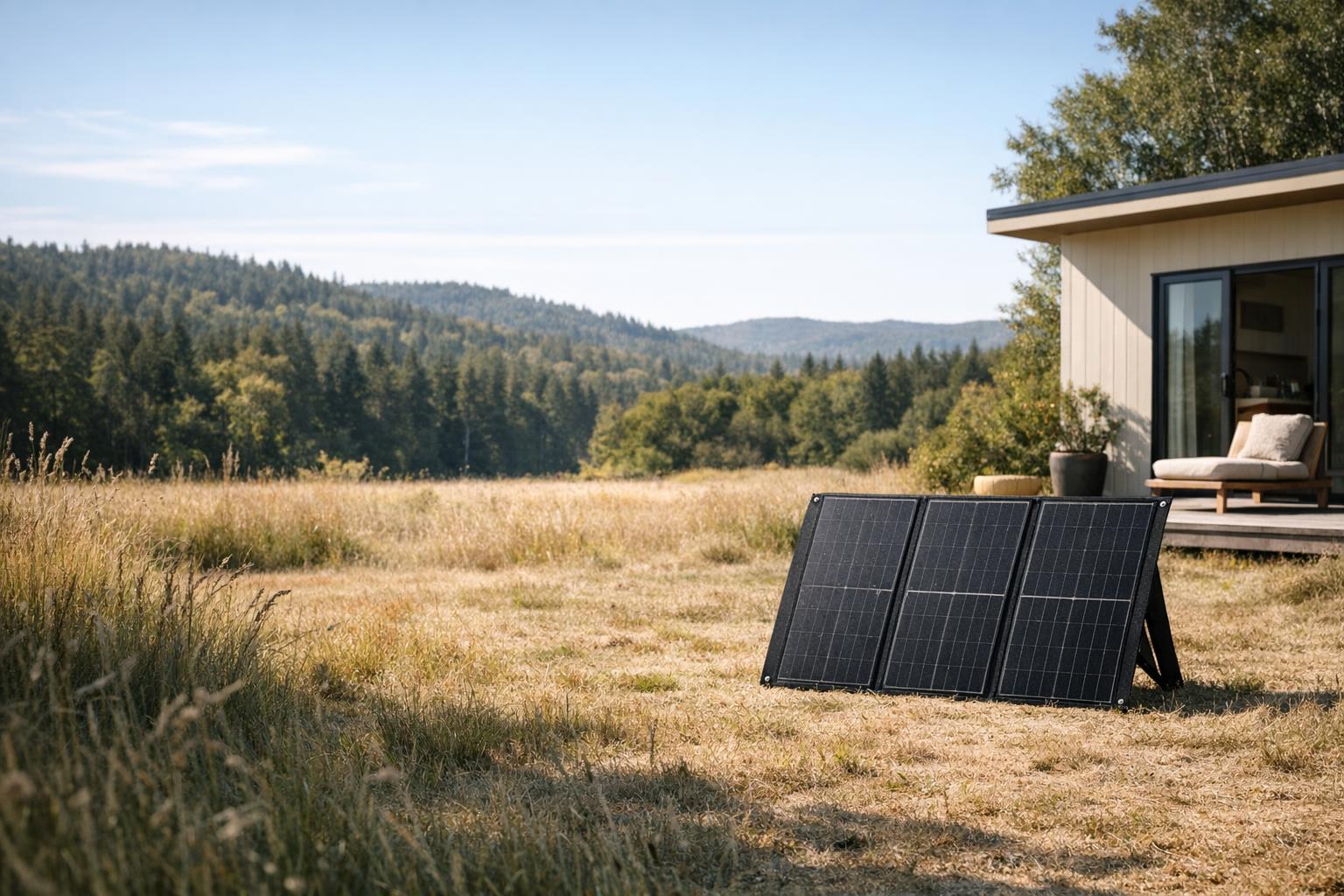
Most folding solar panels end in two MC4 plugs, and a lot of power stations take solar through a single XT60 socket. An MC4 to XT60 cable joins the two, and it's often all you need, as long as the panel's voltage and current fit the station's solar input. Matching the plugs is the last check, not the first.
Affiliate disclosureAs an Amazon Associate we earn from qualifying purchases made through links on this page. Commissions never change our ratings.
MC4 and XT60 in plain English
MC4 is the round, locking connector on the end of most solar panel leads. There are two of them per panel, one on the positive lead and one on the negative, and they click shut so the wind can't tug them apart. They're made for life outdoors, which is why rooftop modules and folding camping panels use the same plug. The Renogy 200W panel and the Renogy 100W both list an MC4 output, the BLUETTI 350W panel an MC4 connector, and the Anker SOLIX PS400 ships with two 9.8 ft MC4 cables.
XT60 is smaller: one flat, two-pin DC plug (usually yellow) that carries both poles in a single housing. It came over from the radio-control hobby world and is now a common solar input on portable stations. The VTOMAN Jump 600X, for example, states up to 120 W of solar input at 12–28 V and 5 A max via XT60. An MC4 to XT60 adapter is nothing more exotic than a short cable with the two MC4 plugs at one end and one XT60 plug at the other.
One cousin worth knowing by name is XT60i. The EcoFlow 60W panel comes with a Solar to XT60i cable, and Anker's PS100 and PS200 panels with an XT60i solar charging cable. Treat it as its own plug and buy whatever your station's manual names.
Check the solar input before you buy any cable
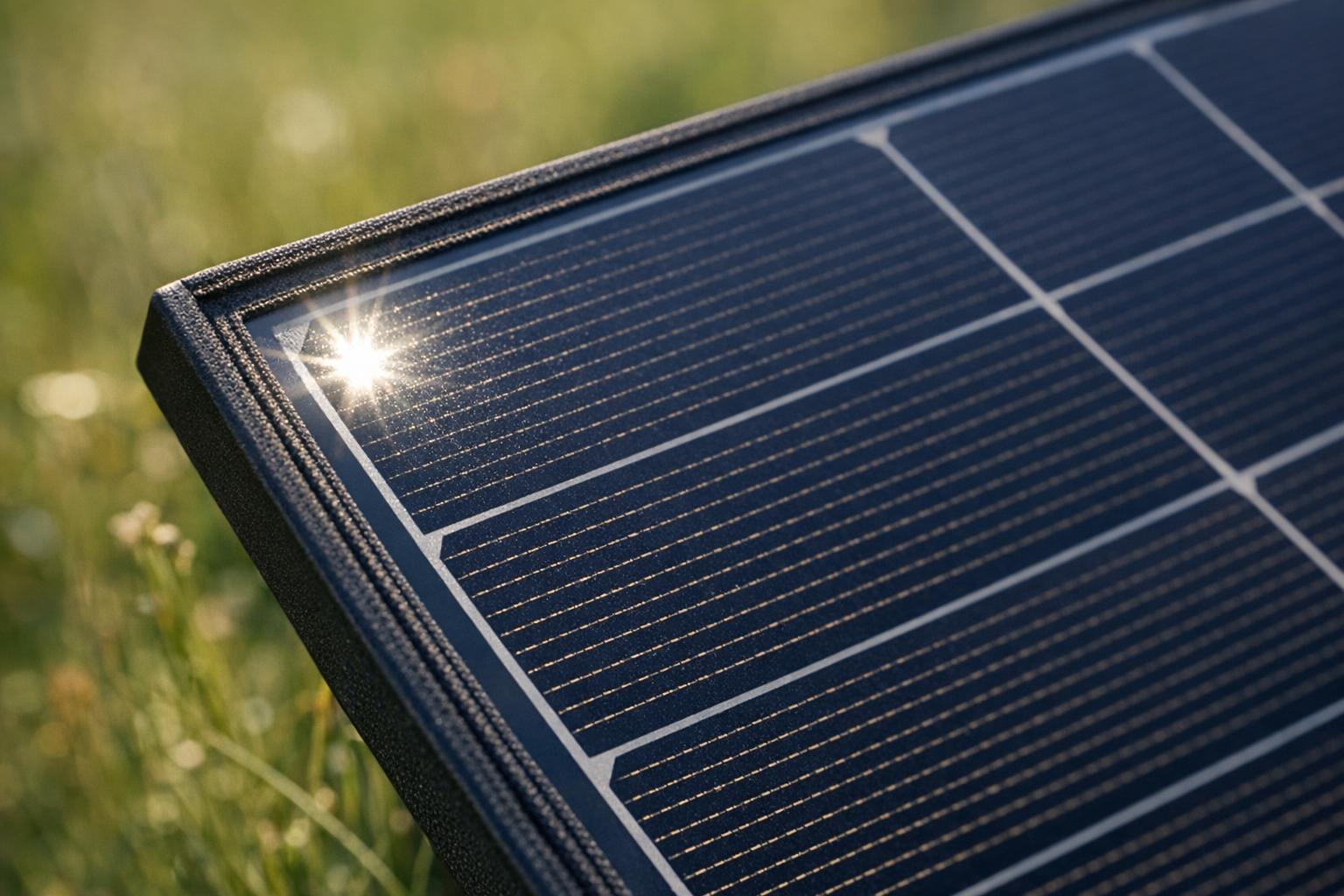
An adapter changes the shape of the plug, nothing else. The voltage and current coming off the panel stay exactly the same, so the panel still has to suit the station. Open the solar input section of your station's manual and write down three numbers: the voltage window, the maximum current and the maximum input in watts. Then turn the panel over and read its label for the open-circuit voltage (Voc) and the short-circuit current (Isc).
The rule fits on a sticky note. The panel's Voc has to sit inside the station's voltage window, its Isc must not go over the station's current limit, and any watts above the input cap simply go unused at noon. EcoFlow's panel manual says the same thing in its own words: keep the panel's maximum output parameters within the input range of the device you charge.[7]
| Station | Stated solar input | Source |
|---|---|---|
| VTOMAN Jump 600X | 12–28 V, 5 A max, up to 120 W, via XT60 | Listing |
| PECRON F3000LFP | 25–120 V, up to 1,600 W | Listing |
| ALLPOWERS P1800 | 11–60 V | Listing |
| EcoFlow DELTA 3 Classic | 11–60 V, 15 A, 500 W max | User manual[2] |
Look at the bottom of the window too, because people forget it. The PECRON F3000LFP starts at 25 V, so a single small panel whose label shows a Voc under 25 V won't charge it on the sunniest day of the year. The Jump 600X stops at 28 V, which rules out most series strings: two panels in series add their voltages.
Which end goes where, and why sellers name it both ways
"MC4 to XT60" and "XT60 to MC4" are the same cable described from opposite ends. PECRON calls it a single port XT60 to MC4 solar charging cable, DJI lists an MC4 to XT60 solar power cable. Don't let the word order send you shopping twice.
What does matter is the MC4 end. It's a pair, positive and negative, and the two halves of each connector have different shapes, so each plug only mates with its opposite. Join the panel's positive lead to the adapter's positive lead and negative to negative. Good adapters mark both with + and –; if yours doesn't, check against the markings on the panel before anything touches the station. On the other end, the XT60 plug has to be the opposite half of the socket on your station, and one look at the port settles that.
The box of the PECRON E3600LFP shows there's more than one kind: it lists a single port XT60 to MC4 cable and a parallel dual port XT60 to MC4 cable. The second one joins two panels into one input, so the plugs look alike but the cable does a different job.
Not every XT60 socket is a solar input
This one catches people out. XT60 is also used as a 12 V output. The PECRON E1000LFP lists one XT60 output among its 12 outputs, the PECRON E3600LFP an XT60-F output, the PECRON E3800 LFP an XT60 among its three 12 V DC outputs, and the PECRON F5000LFP an XT-60 port next to its adjustable 12–40 V 5525 port among its six DC outputs.
A panel plugged into an output does nothing useful, and an output isn't a socket you want to experiment with. Find the port your manual calls the solar or DC input, check the label printed beside it, and only then reach for the adapter.
When XT60 is the wrong adapter altogether
Plenty of stations don't take solar through XT60 at all, and no MC4 to XT60 cable will change that.
- Jackery: the Jackery solar panel adapter people search for is usually about the DC8020 plug, or the older DC7909, not XT60. Jackery's own SolarSaga 100 Prime ships with an Anderson to DC8020 adaptor, and its listing notes that older models (E1000, E550, E500, E300, E240 and E160) need a DC8020 to DC7909 adapter on top. Our Jackery solar panel guide matches each SolarSaga panel to the Explorer it fits.
- Anderson: the OUPES Mega 1 Lite takes up to 800 W of solar through its Anderson port.
- Same brand, different plug: Anker's listing for the SOLIX C300 with its 60W panel says that station is not compatible with Anker's own PS30, PS200 or PS400 panels.
Some panels arrive ready for this mess. The 200W panel in the VTOMAN Jump1800 kit has an MC4 output and a 3-in-1 adapter to Anderson, XT60 and DC5521, and the ALLPOWERS SP037 400W ships with a Solar to XT60 cable plus a Solar to DC5525 / DC8020 cable. Handy, as long as you still run the voltage and current check from the section above.
How to connect it, step by step
If your manual gives an order, follow it. If it doesn't, this is the routine we'd use:
- Confirm the numbers: the panel's Voc inside the station's voltage window, its Isc under the current limit.
- Use the cable that came in the box when there is one. EcoFlow's panel manual recommends its supplied charging cable and warns that poor connections can cause port melting, which is reason enough to skip the bargain-bin adapter.[7]
- Set the panel up first, angled at the sun, with its leads hanging free and off wet ground.
- Join the MC4 leads to the adapter, positive to positive and negative to negative, until each one clicks.
- Push the XT60 plug all the way into the solar input. A half-seated plug is how ports get hot.
- Watch the input reading on the station's screen. Anything between zero and the panel's rating is normal. Nothing at all points to the wrong port, swapped leads, a voltage under the window, or simply too little sun.
- When you're done, unplug at the station, then separate the MC4 pair. They're made to stay locked, so depending on the type they open with a squeeze or need the little release tool (Stäubli).
Two panels into one XT60 input
Series wiring adds the panels' voltages and keeps the current; parallel wiring adds the currents and keeps the voltage. Either way the total has to stay inside the station's window. Say both panel labels read 20 V Voc, a round number for the arithmetic. In series that makes 40 V, fine for an 11–60 V input and far too much for a 12–28 V one. In parallel it stays at 20 V, but the currents add up, and the station's current limit becomes the number that bites.
For parallel you need a branch cable or a dual-port lead like the one PECRON packs with the E3600LFP, and the station has to allow the setup in the first place. Our solar panel compatibility checklist walks through the multi-panel questions. Honestly, for a small XT60 input one good panel is usually the right answer; big windows like the F3000LFP's 25–120 V are where series strings start to make sense.
Kits and panels that ship with the right cable
If you're starting from zero, paying to make the cable question go away is money well spent. The DJI Power 1000 V2 + 100W panel combo lists an MC4 to XT60 solar power cable in the box, along with the panel and a car charging cable. The PECRON F3000LFP comes with a single port XT60 to MC4 solar charging cable and a stated 25–120 V solar window, which leaves room for series strings. On the panel side, the Renogy 200W pairs its MC4 output with a 45 W USB-C PD port for phones, and the Anker SOLIX PS400 includes an MC4 to XT-60 cable.
Would you rather have the station and panel matched for you? Our solar generator kit ranking lists the best-rated bundles, the solar panel collection has every panel we rate, and the watts vs. watt-hours guide turns panel watts into an honest afternoon of charging.
Our rated picks
The three best-rated models of our solar generator kits ranking, from the buyer review record and the listed specs.


Product images: Amazon listings
Frequently asked questions
Is an MC4 to XT60 cable the same as an XT60 to MC4 cable?
Yes. Sellers name the same cable from either end. What you check is that the XT60 plug is the opposite half of your station's solar input socket and that the MC4 pair matches the panel's positive and negative leads.
Can I plug any MC4 solar panel into an XT60 power station?
Only when the panel's open-circuit voltage sits inside the station's solar input window and its short-circuit current stays under the station's limit. The VTOMAN Jump 600X, for example, states 12–28 V and 5 A max via XT60; a panel outside those figures needs a different station, not a different cable.
What adapter does a Jackery need for a solar panel?
Usually not XT60. Jackery's own panel listings point to DC8020, with a DC7909 adapter for older models: the SolarSaga 100 Prime ships with an Anderson to DC8020 adaptor and says older models such as the E1000 or E500 also need a DC8020 to DC7909 adapter. Check the plug printed on your own station first.
Is XT60i the same as XT60?
Treat it as a separate plug. Some EcoFlow and Anker panels ship with XT60i cables, and the safe move is to use the cable the panel or station maker lists for your exact model.
Can I make the cable longer?
Extend on the MC4 side with MC4 extension leads and keep the XT60 adapter short at the station. The Anker SOLIX PS400, for example, already ships with two 9.8 ft MC4 cables plus a short MC4 to XT-60 lead. Make sure any extension is rated for the panel's current.
Will a 200 W panel charge at 200 W through the adapter?
Rarely. Sun angle, heat, shade and cable losses all take a cut, and the station's input cap sets the ceiling. Plan on less than the label on an ordinary day; our watts vs. watt-hours guide shows how to turn that into charging time.
References
Manufacturer manuals and independent sources for facts stated in this guide, also linked where the guide states them.
- EcoFlow DELTA 3 Classic user manual · manufacturer manual: outputs, X-Boost, AC timeout, solar input
- EcoFlow 220W bifacial portable solar panel (EF-Fold-G220-04) user manual · manufacturer manual: Voc and Isc, series and parallel wiring, sun and shade
- Stäubli: Original MC4 solar connector, product brochure · the MC4 photovoltaic connector: a locking plug that needs a tool to open
Products mentioned
- VTOMAN Jump 600X: solar input via XT60 (exact listing)
- PECRON F3000LFP: solar input window and XT60 to MC4 cable (exact listing)
- DJI Power 1000 V2 + 100W panel combo: box contents (exact listing)
- Jackery SolarSaga 100 Prime: adapters for Jackery stations (exact listing)